Wants to be able to show who asked what, when, which model was used and what came back, for example after an access request or an incident.
The AI audit log
Numaga records every AI interaction in one log: who asked what, when, which model was used and what came back. You can search it, export to CSV and give an auditor a role of their own with read-only access.
Who it’s for
Get a role of their own with read-only access, or an export to CSV. They no longer have to lay separate logs from different tools side by side.
Sees whether a guardrail intervened and for which user, without first having to request a report.
You cannot account for what was not recorded.
When AI use runs through separate tools and personal accounts, there is no place to look back. After an incident, a complaint or a question from the regulator, the searching starts.
Numaga keeps one log for the whole organisation. For every interaction it holds the user, the time, the question, the model, the answer and any guardrail interventions. Anyone who opens the content of a question gives a reason, and that reason is recorded too.
One log for all AI use.
What is recorded
- The user, the time, the question, the model and the answer for every interaction.
- Whether a guardrail intervened: masked or blocked.
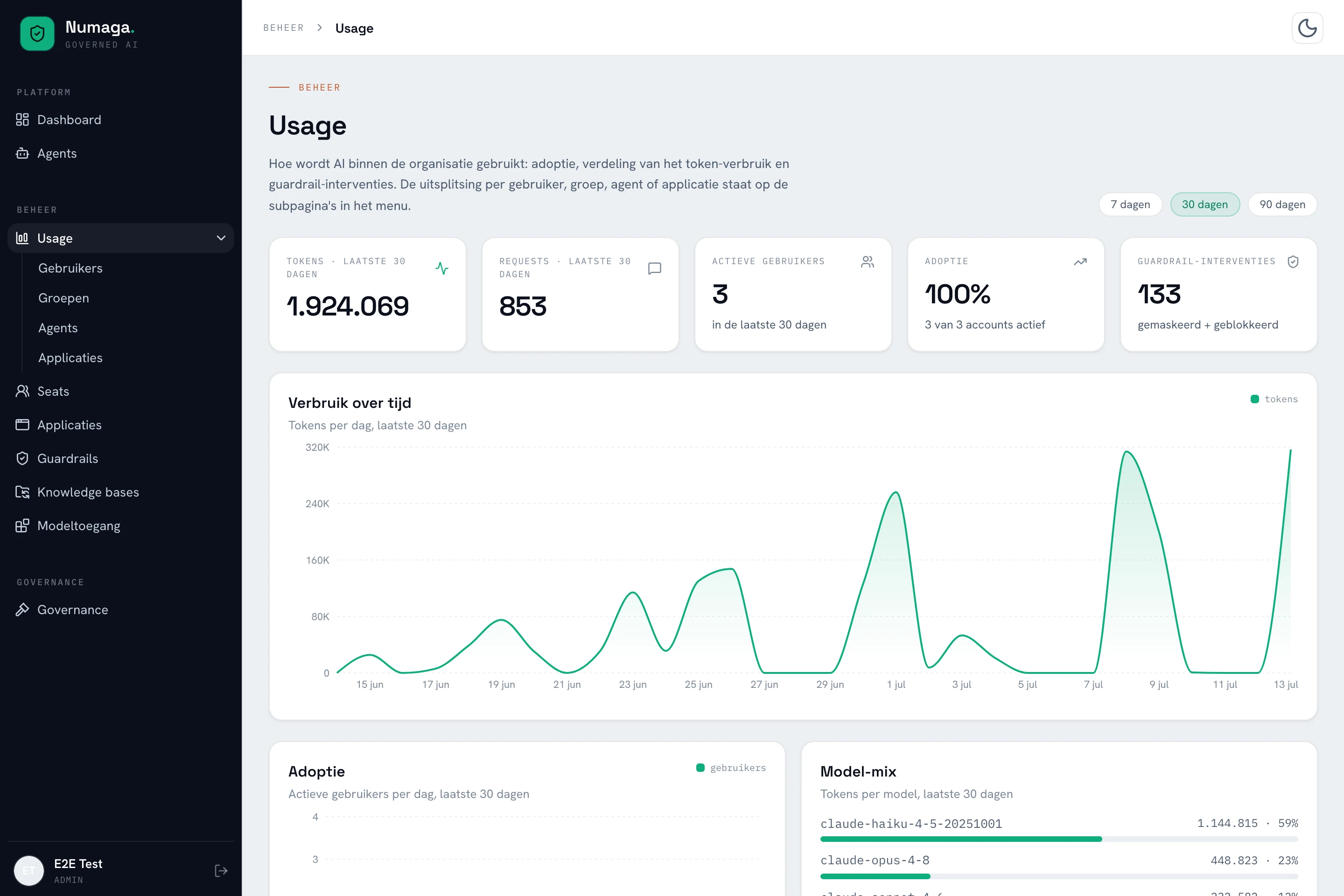
- Usage per user, group, agent and application.
What you can do with it
- Search and filter the log from the dashboard.
- Export to CSV for an auditor, a regulator or your own security review.
- A separate auditor role with read-only access.
- Opening the content of a question is only possible with a reason, and that reason is recorded too.
j.devries · Summarise the minutes of the team meetingLet through
m.bakker · Write a call-back note for [name] on [phone]Masked
t.jansen · Create a payment overview for account NL91…Blocked
Sample data.
In use in home care.
Ontdek Zorg, a home-care organisation in Druten, has been working with Numaga in its community care teams since July 2026. Care involves special categories of personal data. That is why this is where masking, access per role group and the log were first put into practice.

- Home care in Druten and Maas en Waal
- Customer since July 2026, dedicated environment
- In the contract: no training on client data
See the log of an example question.
In a demo environment we show the log, the auditor role and an export to CSV.
Request demo access