Wants to stop postponing the write-up: team meeting, client call or home visit, the report is waiting in the chat history.
Platform · Conversation reports
Conversation reports: from recording to action items
Start a recording in the Numaga app, have the conversation, and usually within a minute of finishing there is a report with action items in your chat history. The audio is deleted from the device right after transcription, and everything runs through your own environment.
Who it’s for
Want to capture conversations on their phone, without a separate note-taking app next to the organisation’s policy.
Want recordings and transcripts to stay within their own environment, with the same logging and access rules as the rest of the AI traffic.
The problem
Standalone AI note-takers work outside your guardrails.
Writing up conversations is the work that keeps getting postponed, and the standalone AI note-takers that fix it bring a new problem. Conversations are full of confidential information: client names, personnel matters, numbers that appear on no slide. All of that then goes to a service your organisation has no agreements with.
In Numaga, conversation reports live inside the app. Transcription and the report run through your own environment, single-tenant and hosted in the Netherlands, with the same access rules and the same logging as the rest of your AI traffic.
How it works
From consent to report, in four steps.
Record, transcribe and write up, without audio lying around.
Consent first
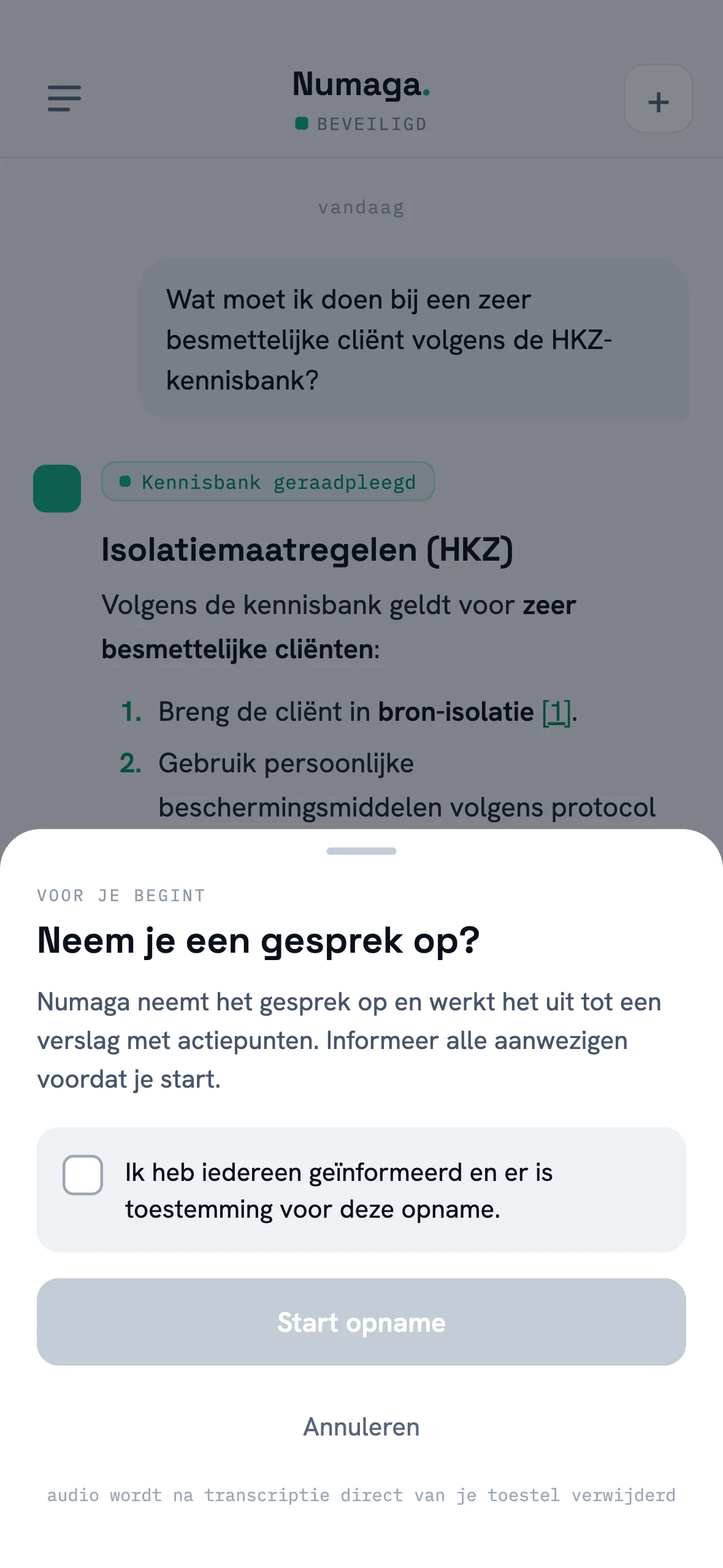
The app asks you to confirm that everyone present has been informed and that there is consent. There is no hidden record button.
Record in segments
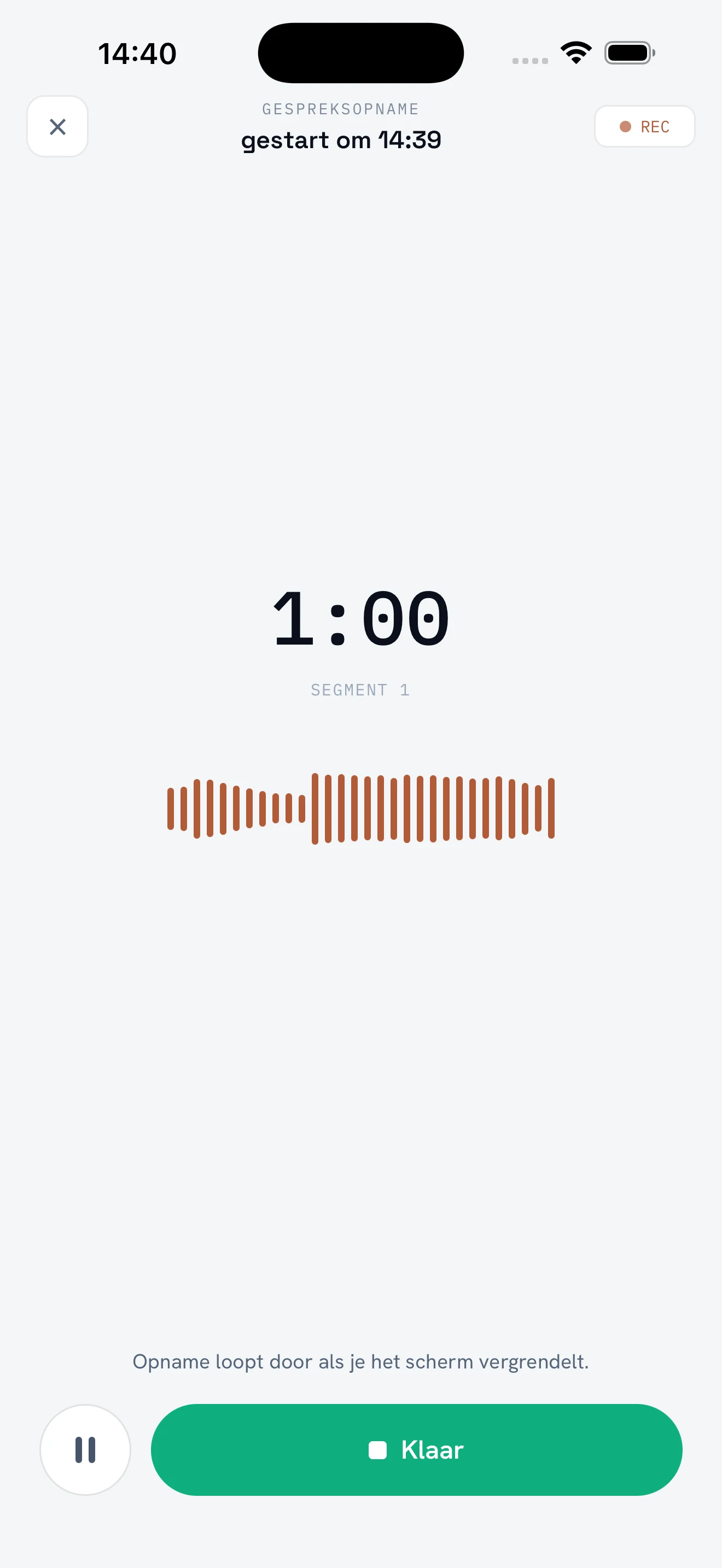
The recording runs in ten-minute segments. You can pause and resume, and on iOS the recording keeps running with the screen locked.
Transcribe, audio gone
Each finished segment is transcribed immediately, and its audio is deleted from the device right away.
Report in your history
Your environment turns it into a report with context, discussion points and numbered action items. It opens as a regular conversation: ask follow-ups right away, share as text or PDF.
In practice
Proven where data is most sensitive.
Numaga is running a pilot with Ontdek Zorg, a home-care organisation in Gelderland. Healthcare, with special-category personal data under the GDPR, is where responsible AI is hardest. That is exactly where we put the control plane to the test.

- Home care in Gelderland
- Special-category data (GDPR Art. 9)
- Policy and redaction on every prompt
Watch a conversation become a report.
In a demo we record a short conversation and let the report with action items land in the chat history.
Request demo access