2 September 2026
New in Numaga: conversation reports in the app
Record a conversation with the Numaga app and get a report with action items back in your chat history. The audio is deleted from the device right after transcription, and everything runs through your own environment.
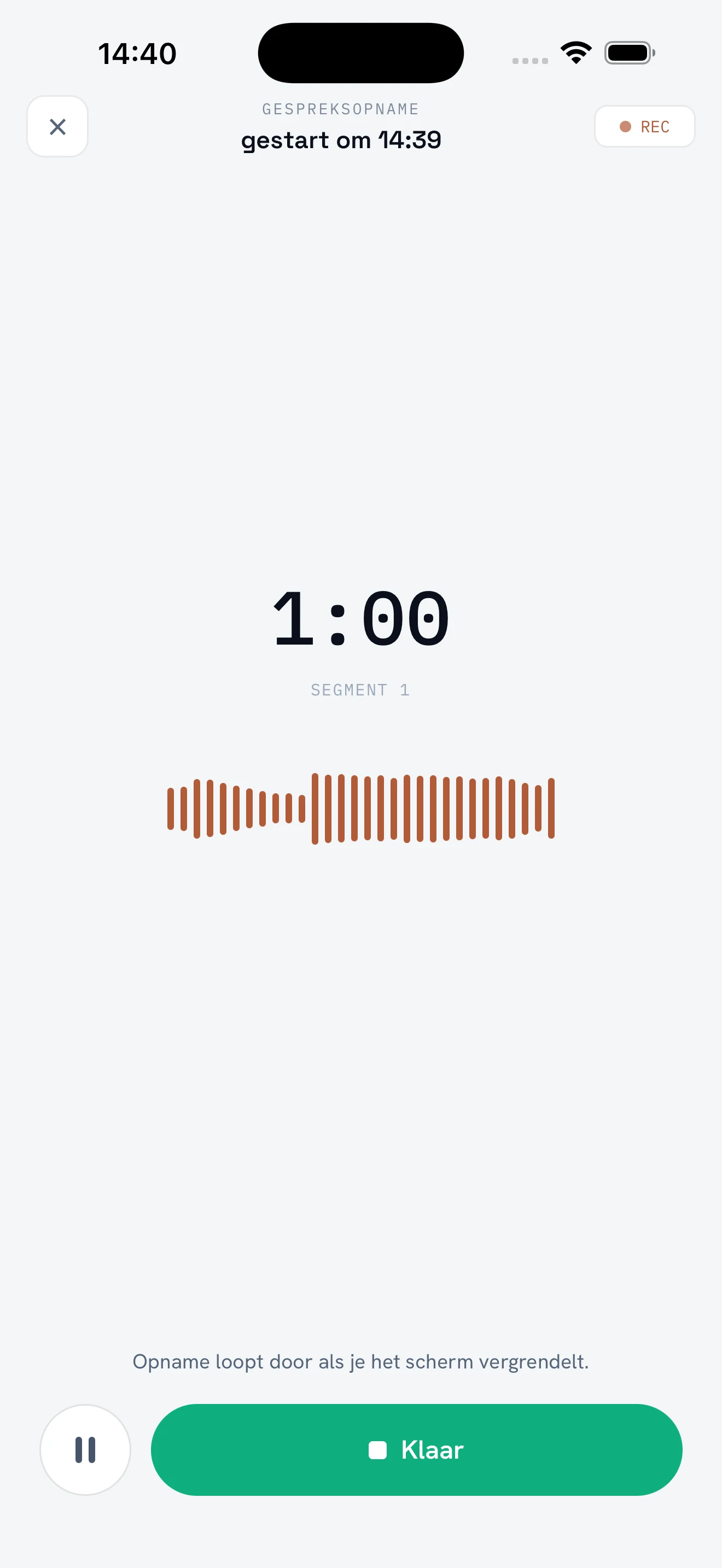
The Numaga app can now record conversations and turn them into a report with action items. You start the recording on your phone, have the conversation, and moments later the report sits in your chat history as a regular conversation: context, what was discussed, and the agreements with who picks them up. The audio itself disappears: it is deleted from the device right after transcription.
Why this was needed
Writing up conversations is the work that keeps getting postponed, and the standalone AI note-takers that promise to fix it bring a new problem. Conversations are full of confidential information: client names, personnel matters, numbers that appear on no slide. All of that then goes to a service your organisation has no agreements with, out of sight of any administrator.
That is why conversation reports live inside the Numaga app. Transcription and the report run through your own environment, single-tenant and hosted in the Netherlands, with the same access rules and the same logging as the rest of your AI traffic. No separate note-taking service with terms of its own.
How it works
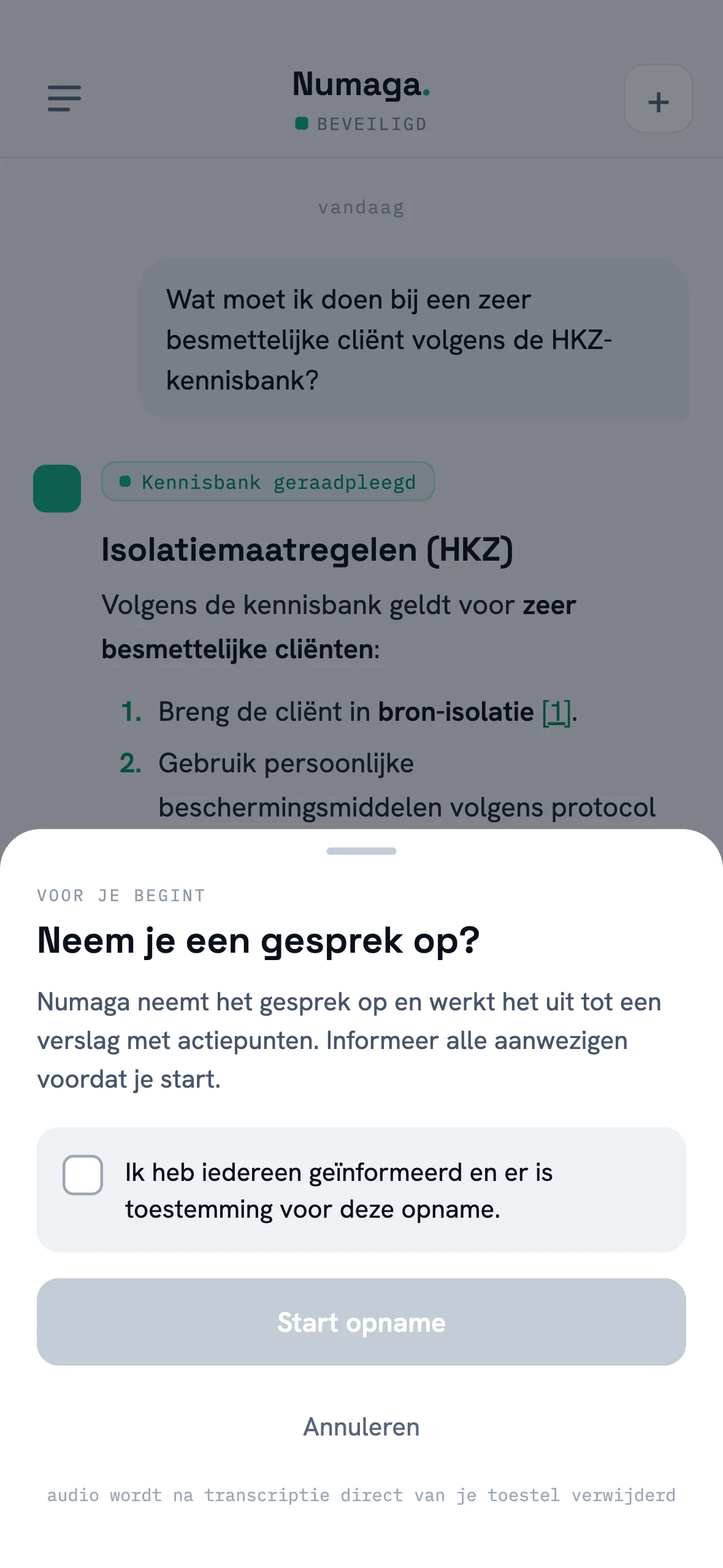
Recording starts with a deliberate step: the app asks you to confirm that everyone present has been informed and that there is consent. There is no hidden record button: everyone in the conversation knows about it.
From there the app works in ten-minute segments. Each finished segment is transcribed immediately, and its audio is deleted from the device right away. Well before the conversation ends, the start of it exists only as text. You can pause and resume, on iOS the recording keeps running with the screen locked (on Android the screen stays on), and if the app is ever interrupted, it offers to finish the report on the next launch.
Once the conversation is done, your environment turns it into a structured report: context, discussion points and numbered agreements and action items, with who picks it up and when if that was said. The report invents nothing: it sticks strictly to the transcript and marks inaudible passages as [unclear]. It opens as a regular conversation in your history, so you can ask follow-up questions right away, and you can share it as text or PDF.
Who this is for
For everyone who meets and keeps postponing the write-up: team meetings, client calls, home visits. For administrators, the main gain is that the AI note-taker runs within the organisation’s guardrails instead of somewhere out of sight.
Conversation reports ship in the latest update of the Numaga app for iOS and Android and work once speech-to-text is enabled for your organisation. Book a demo and we’ll show it live.